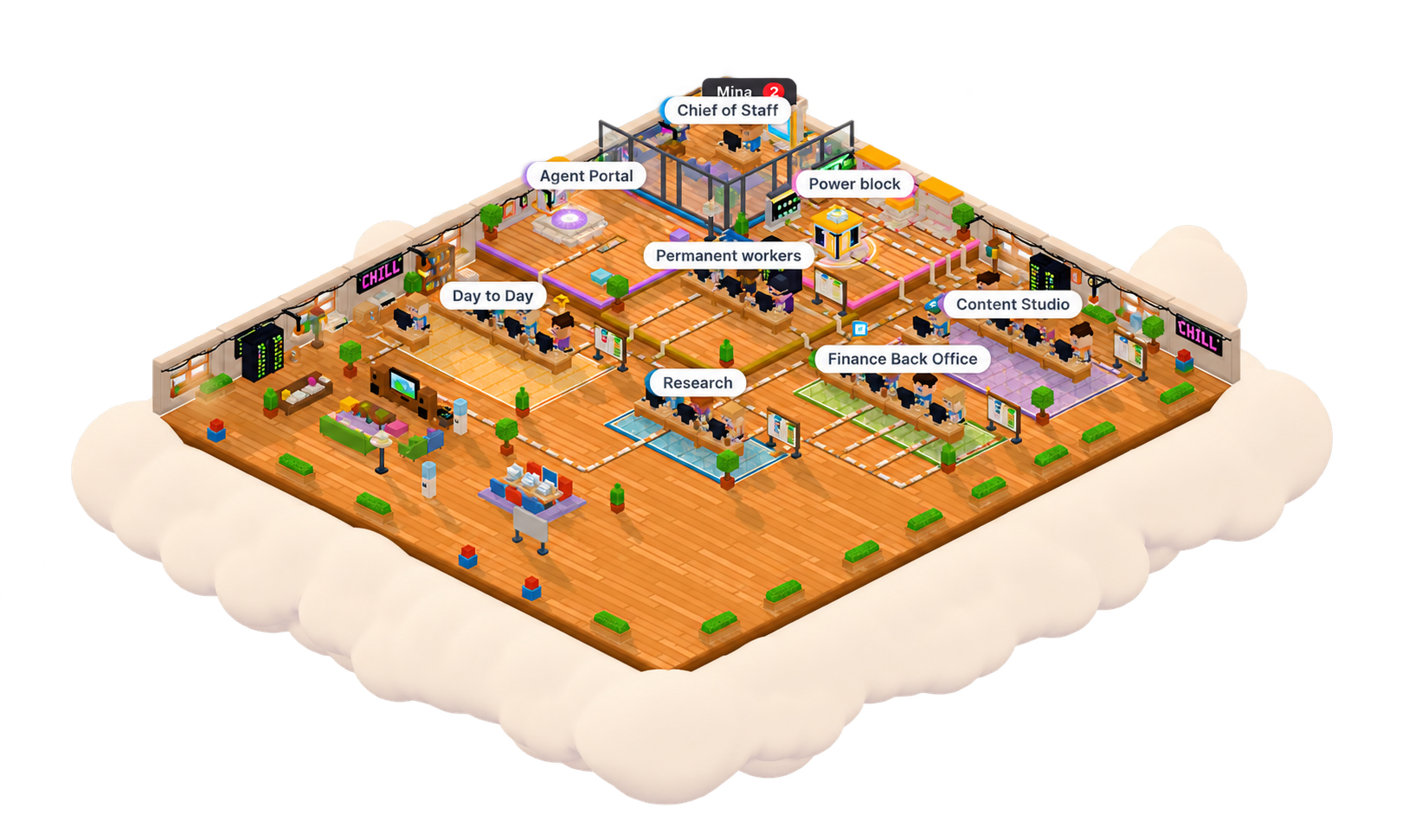
Meet Productopia, a virtual office where AI workers take on your projects. Tell your AI Chief what you want to accomplish, and it figures out the steps, builds the team, and gets them working.
AI workers. In an office. Working for you.
You want to launch a project, find your next customers, and get cheap tickets to see a new band every Friday. Each involves work you can hand over.
Your AI Chief turns your ideas into systems and creates AI teams that save you time, effort, and money.
Work you can actually use.
Different workers. Useful outputs.
Research
Drafts
For your review
Spreadsheets
Projects
✓Research
✓Drafts
Your next steps
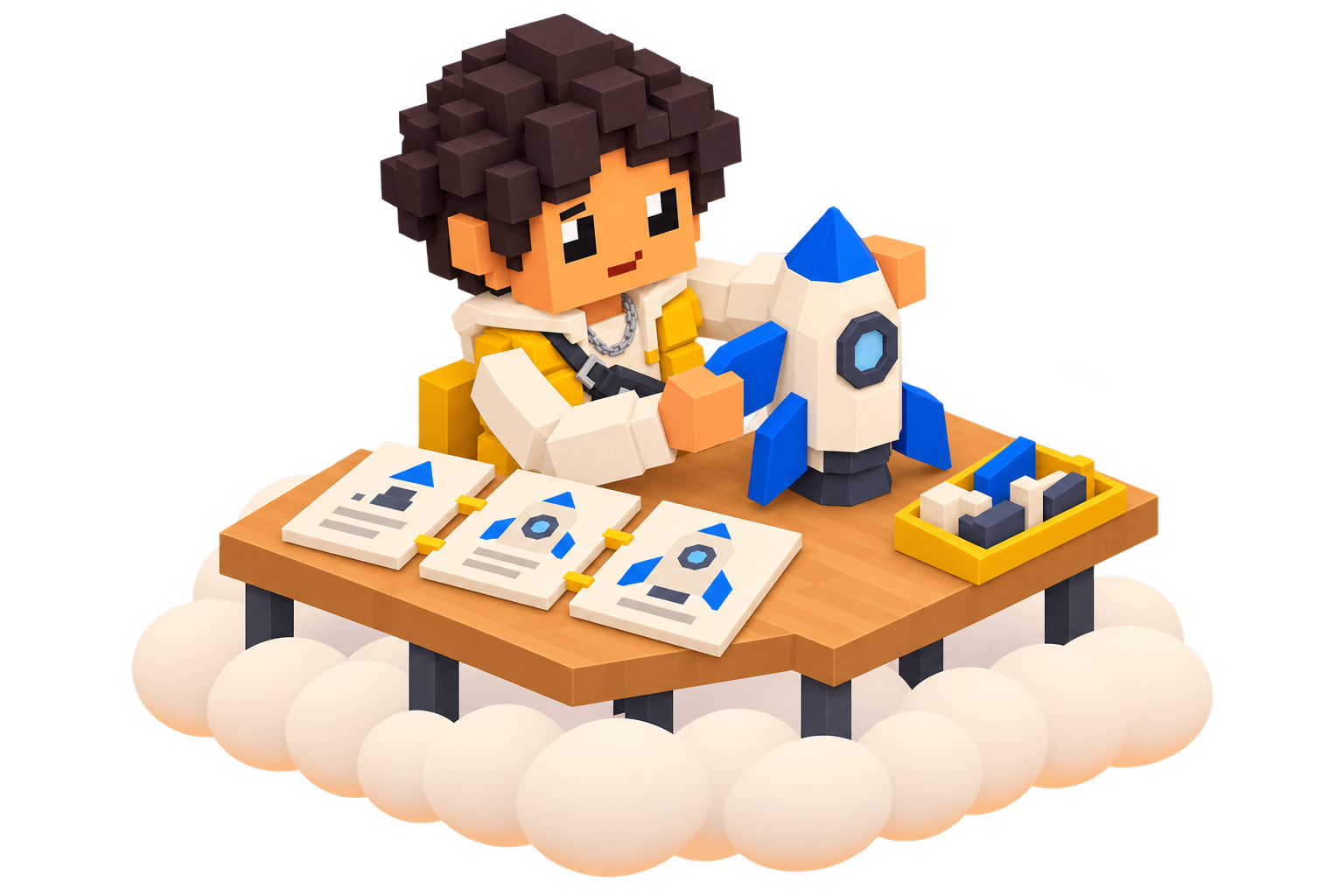
01 — The little guys mean business.
Get research you can use, drafts you can publish, spreadsheets you can work with, and projects you can build on. Your workers turn requests into things you can actually use.
Everyone has a job to do.
Your AI Chief brings the work together.
AI ChiefCoordinates the team
Research
Create
Organize
Shared context. Connected contributions.
02 — Everyone has a job to do.
Different workers handle different parts of the project, share what they find, and pass their work along. Your AI Chief keeps the team coordinated.
You call the shots.
The decisions that need you stay yours.
A draft, ready for your direction.
Prepared by your writer
Sources & context together
Your decision
Approve
Request changes
03 — You call the shots.
Check in when you want, review what’s ready, and make the decisions that need you. Your team handles the setup and everyday coordination. No coding required.
Your ambitions deserve a team, and a nice office.
Give Productopia the things you’ve been thinking about, putting off, or wishing you had more time for. Your team will figure out what needs doing and start putting the pieces together.
Customer researcher
Find your next customers.
Research potential customers, find the right fit, and get outreach drafts ready for your review.
Launch builder
Launch something new.
Put a team on the research, planning, writing, and building that goes into getting your next project out into the world.
Life organizer
Get your life together.
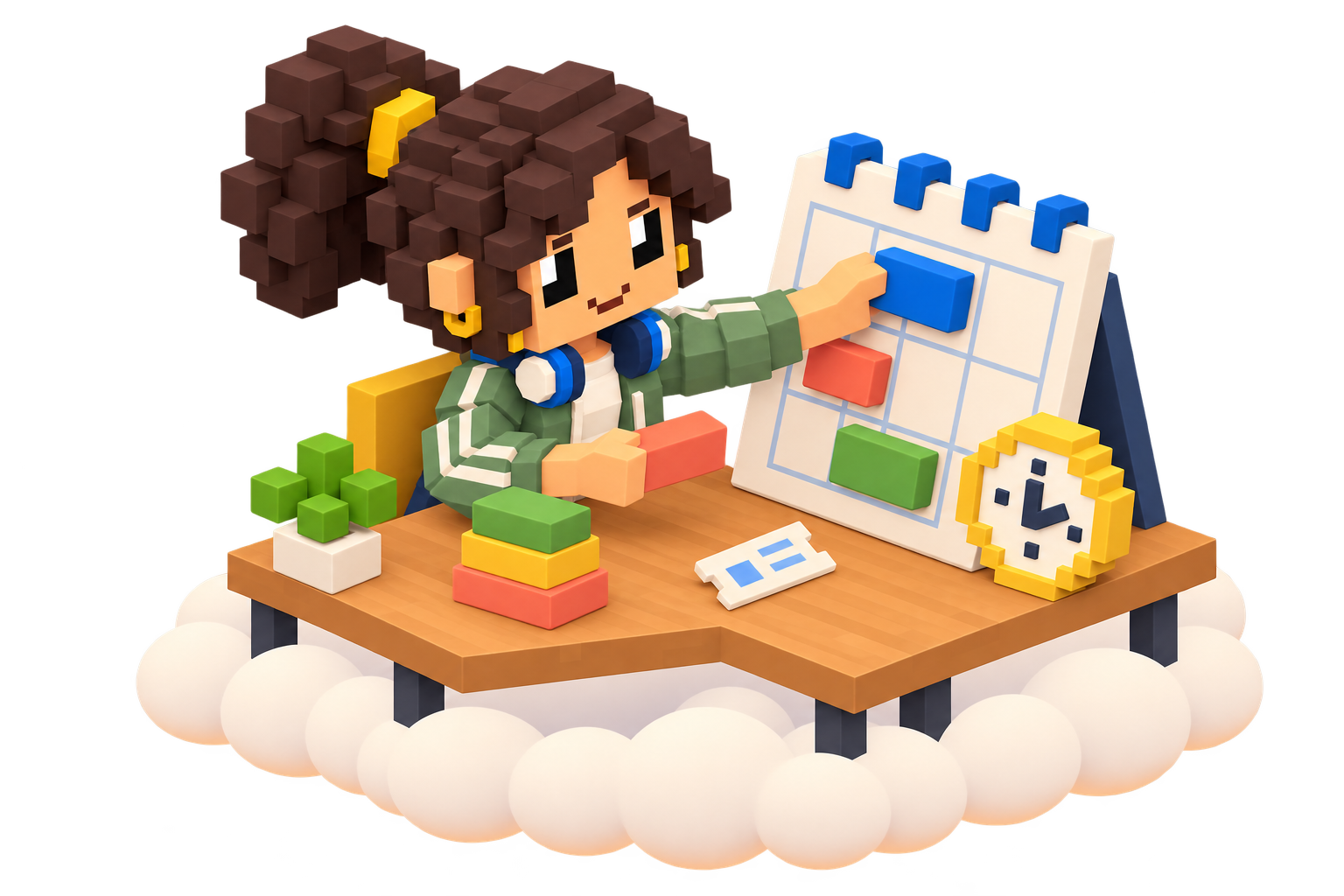
Organize your week, compare options, plan something fun, and give recurring jobs to workers who can keep up with them.
Decision analyst
Make sense of something complicated.
Have your team gather the details, weigh the options, and bring back a clear explanation with sources you can check.
Content creator
Make more stuff.
Turn one brief into articles, social posts, newsletters, creative concepts, and more.
Just talk to your agents.
Tell your main agent what you want to accomplish. Your AI Chief turns the request into a plan and starts organizing the team.
You
Can you set up a team to find our next customers?
AI Chief
On it. I’m organizing a team to research companies, check the fit, and prepare outreach for your review.
Organizing your team
ResearcherAnalystWriterCoordinator
Illustrative conversation.
Have any goal turn into a workflow
Your main agent helps you build the workflow and team around your goal. Finding your next customers is just one example.
AI Chief
Organize the team
AI Chief
Company context
Researcher
Discover accounts
Researcher
Read market signals
Analyst
Enrich the shortlist
Analyst
Find a useful angle
Condition
A good fit?
Condition
Enough context?
Writer
Draft outreach
Researcher
Build prospect brief
Coordinator
Plan follow-ups
You
Your approval
Coordinator
Reviewed sales pack
AI Chief
Save team context
Researcher
Research the gaps
Swipe left or right to explore the workflow
Example workflow. The AI Chief uses shared company context to organize two parallel research paths. Researchers discover accounts and read market signals. Analysts enrich the shortlist and find a useful angle. Qualification gates check fit and context; missing research loops back. The team prepares outreach drafts, a prospect brief, and a follow-up plan. You approve the work before the team assembles the reviewed sales pack and saves its context. No messages are sent before your approval.
And keep them running. 24/7.
Your agents and workflows can keep working in the cloud while you’re away. Come back to see what’s moved forward, review what’s ready, and make the decisions that need you.
24/7
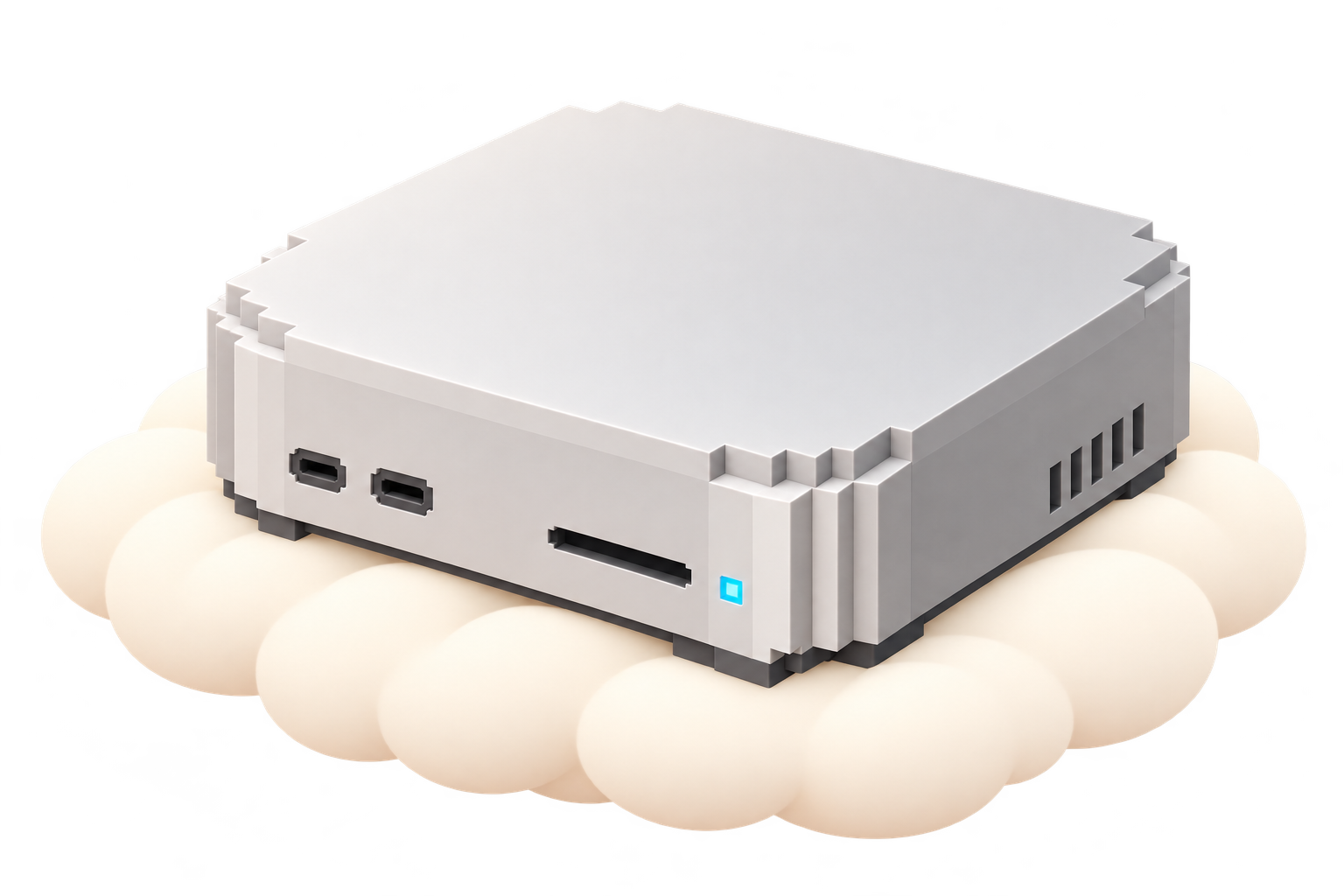
A voxel Mac mini on a cloud. The left side is active and the right side is inactive. Drag the handle or use the arrow keys to compare. The animation pauses while you interact.
They bring their own computers.
Your workers browse, use apps, and run tasks on their own computers in the cloud, so they can get things done without taking over your screen or tying up your laptop.
Your AI crews are almost ready to get to work
Are you ready for a better way to use AI? Hop on our waitlist and we’ll let you know as soon as access opens.
 Productopia


 Research
 Drafts
 Spreadsheets
 Projects




 Sources & context together

 Request changes